Skip to content
Interface Observatory / night school

Read the signal behind every screen.

At Korevanu, IT learning is an evening practice: observe an interface, name its decisions, and make a precise change. Our guided courses turn familiar screens into instruments for technical thinking.
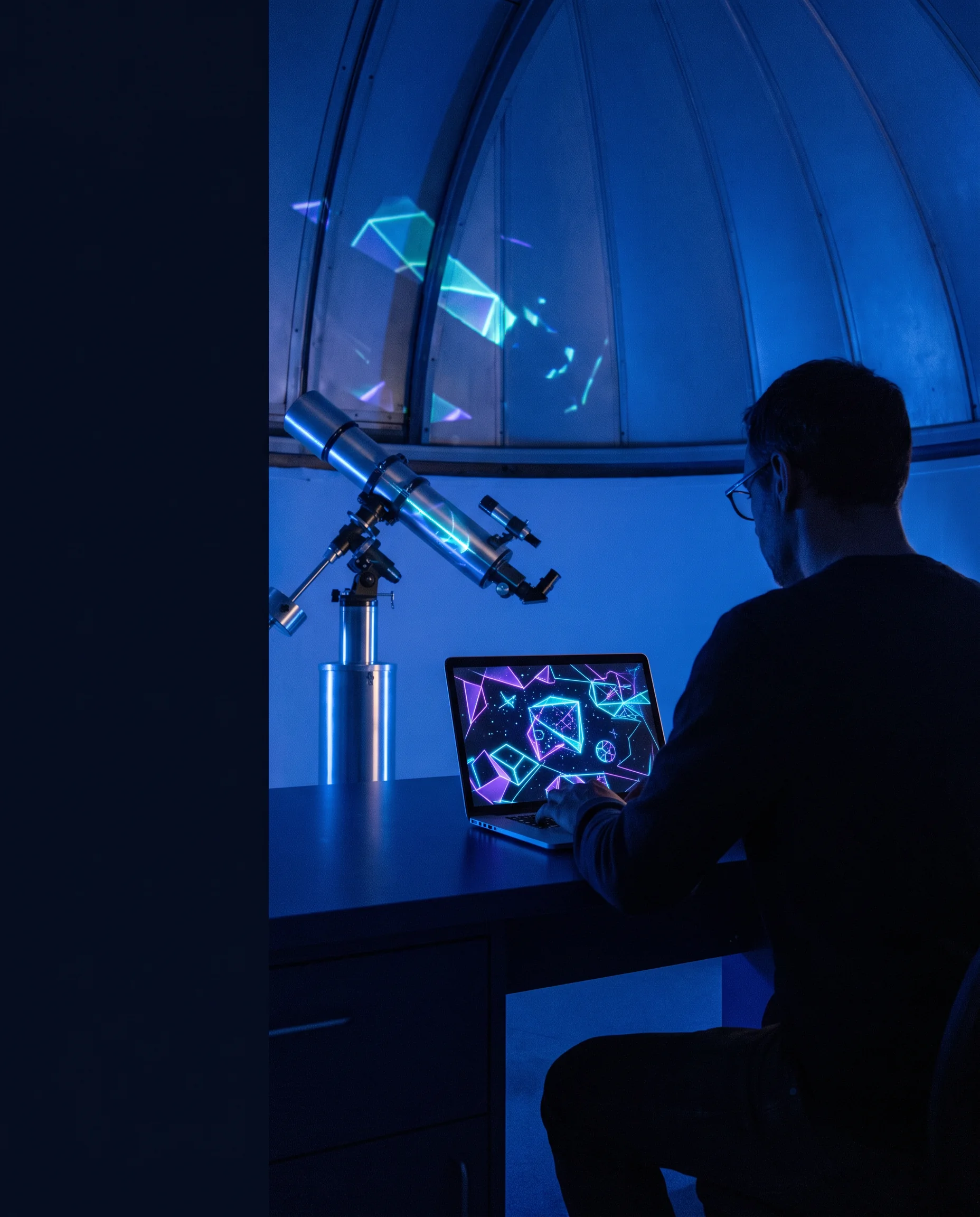
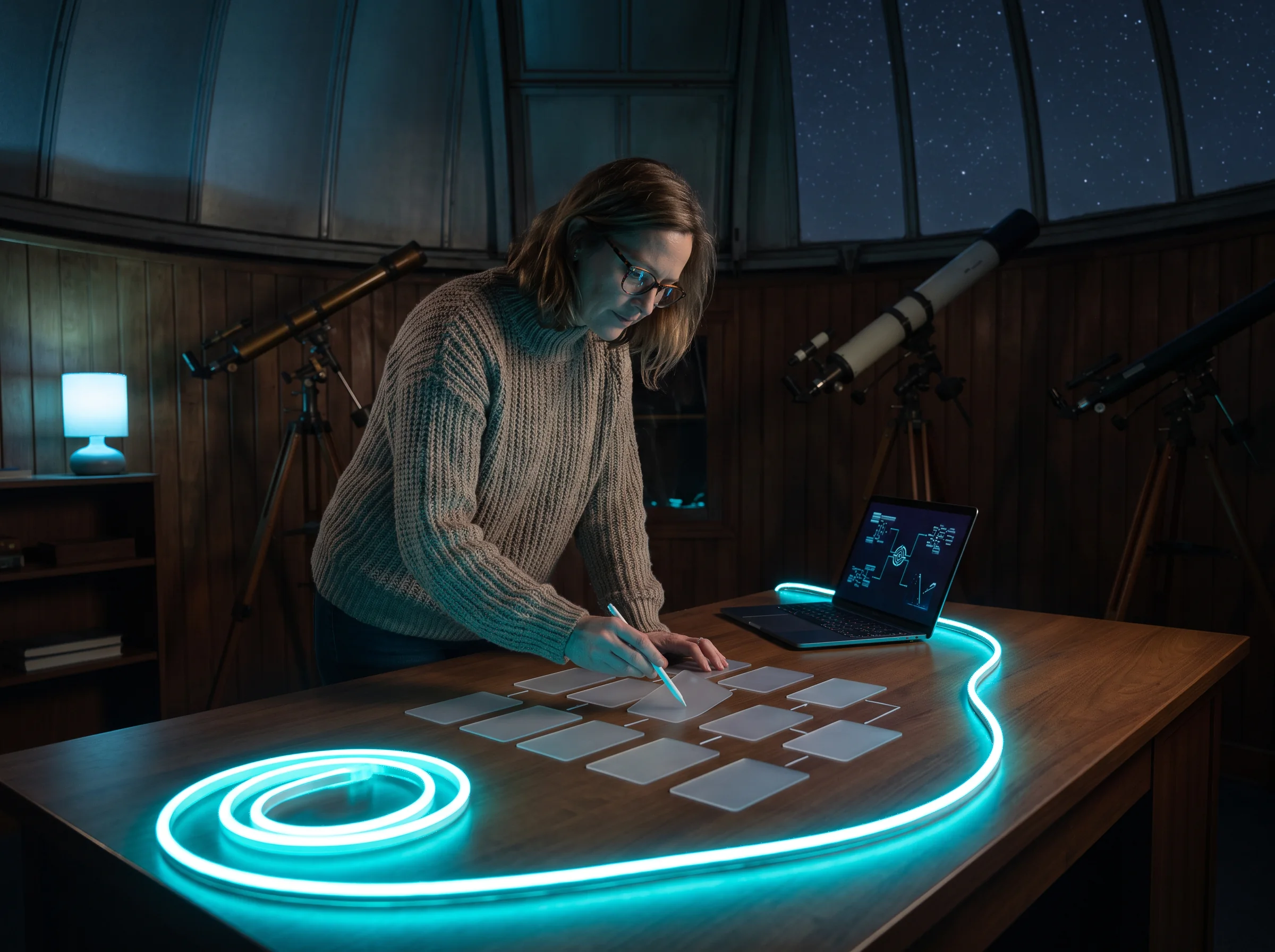
Learner observing a glowing interface at nightOpen dome / 20:00–23:00
Notebook, cable and keyboard on an observation desk
Signal bulletin / current focus
Interfaces are evidence: inspect the state, the path, and the consequence.
01 / constellation curriculum

A map you can touch.

Each bright point is a sequence of practice, not a disconnected topic. Select a point to review what it trains your attention to notice.
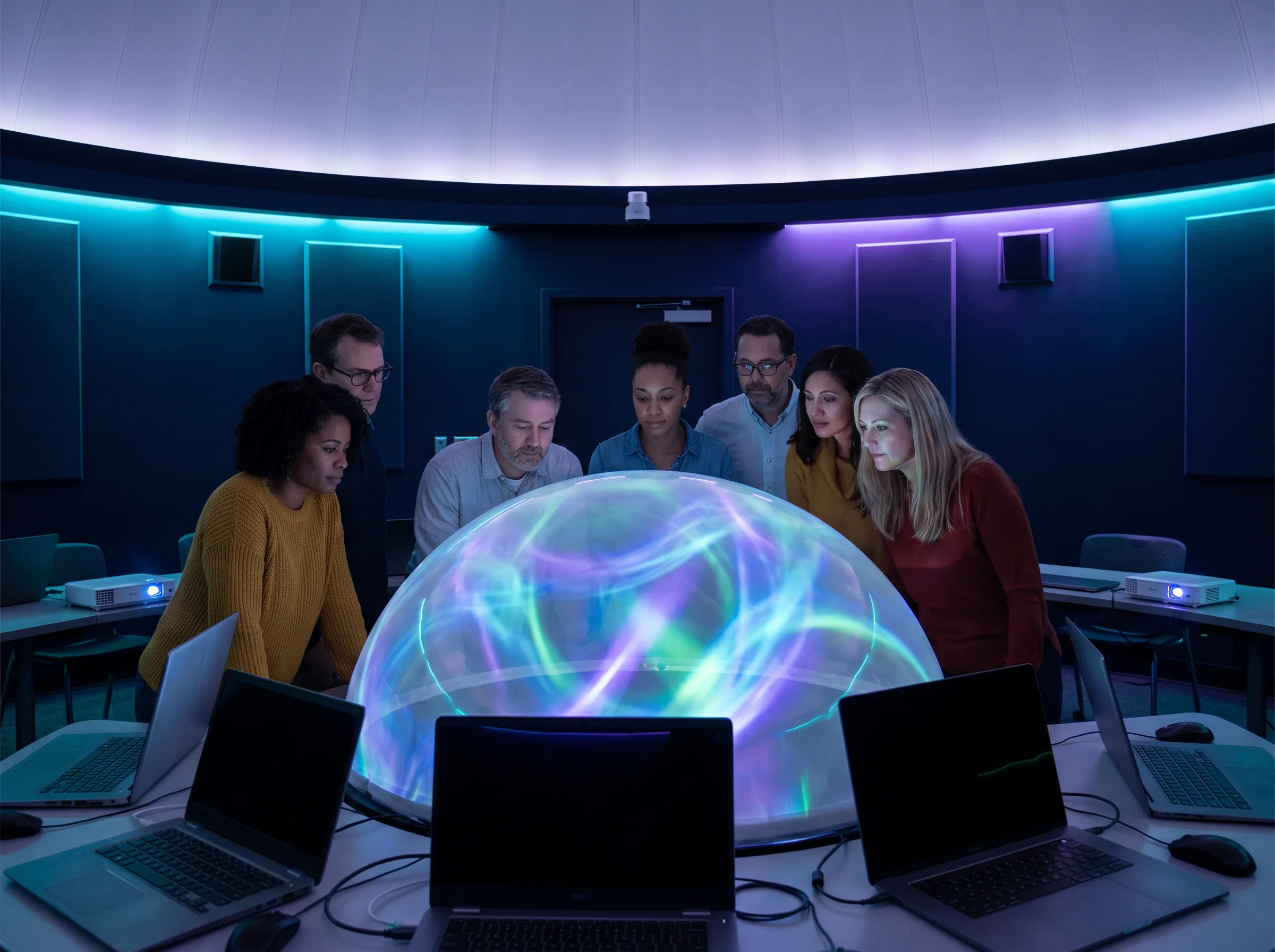
People examining a luminous projection
02 / observation prerequisites

Come curious, not finished.

Korevanu is for newcomers and cross-disciplinary makers who want a sturdy practice of interface work. You do not need a portfolio or a perfect setup.

A current browser and a laptop

We work with everyday tools and accessible local files; no proprietary software is a prerequisite.

Ninety quiet minutes a week

Short, repeatable observation sessions give technical concepts somewhere concrete to land.

A question worth following

Bring a website, workflow, game or device interface that you want to understand more carefully.
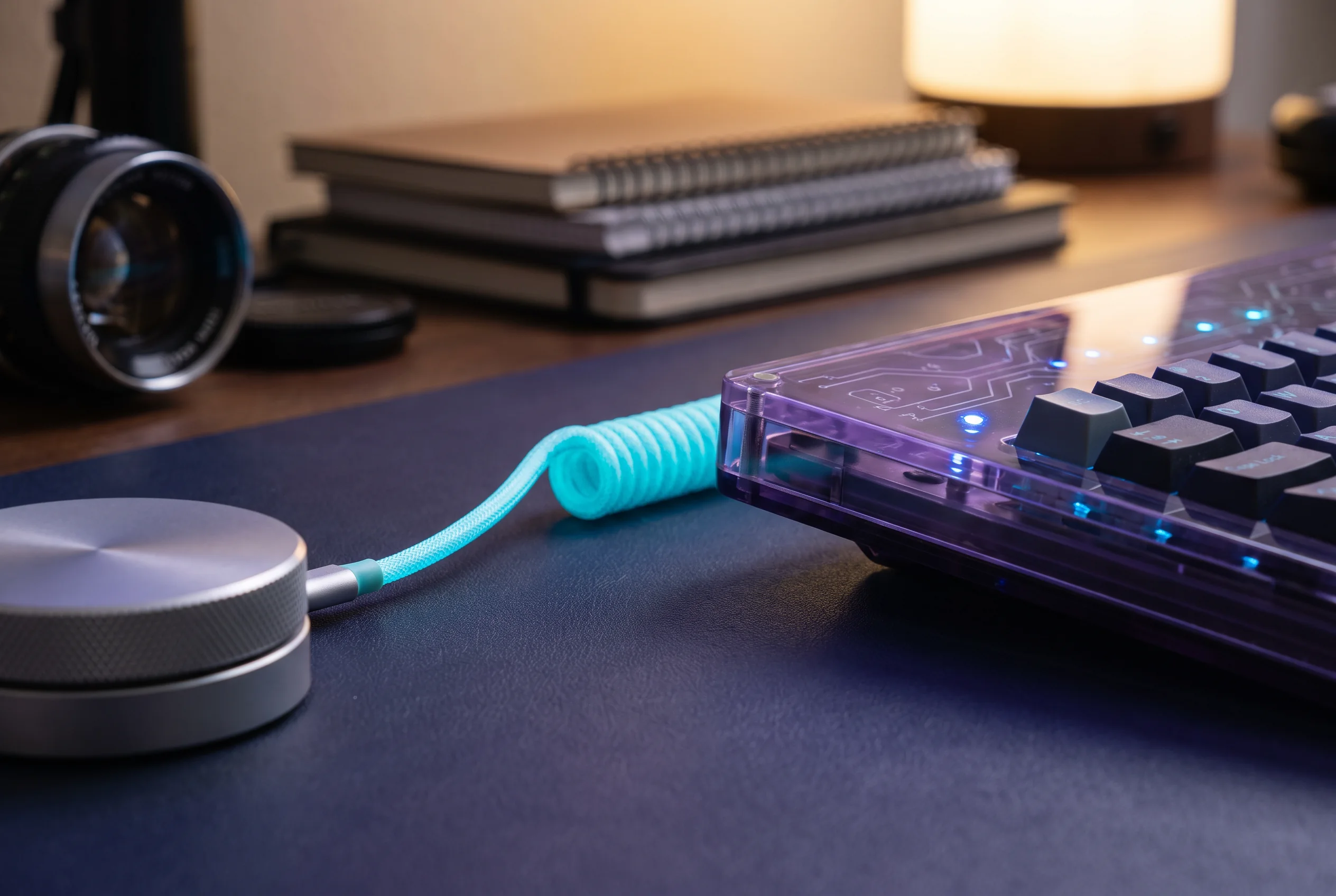
Observation equipment and keyboard on a desk
03 / telescope stations

Three ways to bring a screen into focus.

Learner arranging interface research notesStation A / scope

Surface scan

Read an interface for its visible hierarchy, decisions and ambient cues before you write a single line of code.

Station B / motion

State tracker

Follow an action through its states. Learn to distinguish an event, a response, and a result that can be checked.

Station C / record

Evidence log

Turn observations into terse, useful documentation that helps a collaborator reproduce your thinking.

04 / orbit-lens control

Change the angle. Keep the evidence.

This lens is a small reminder that a detail can look different depending on the question you ask. Move the sampling arc to adjust the projected subject.

35° sampling arc

The image shifts locally in your browser; this is a study control, not a collected data point.

Group working around a night-school table
05 / interface specimen wall

Keep the oddities on the wall.

A specimen is not a trophy. It is a small interface decision worth returning to: a prompt, a gesture, a label, a recovery path.
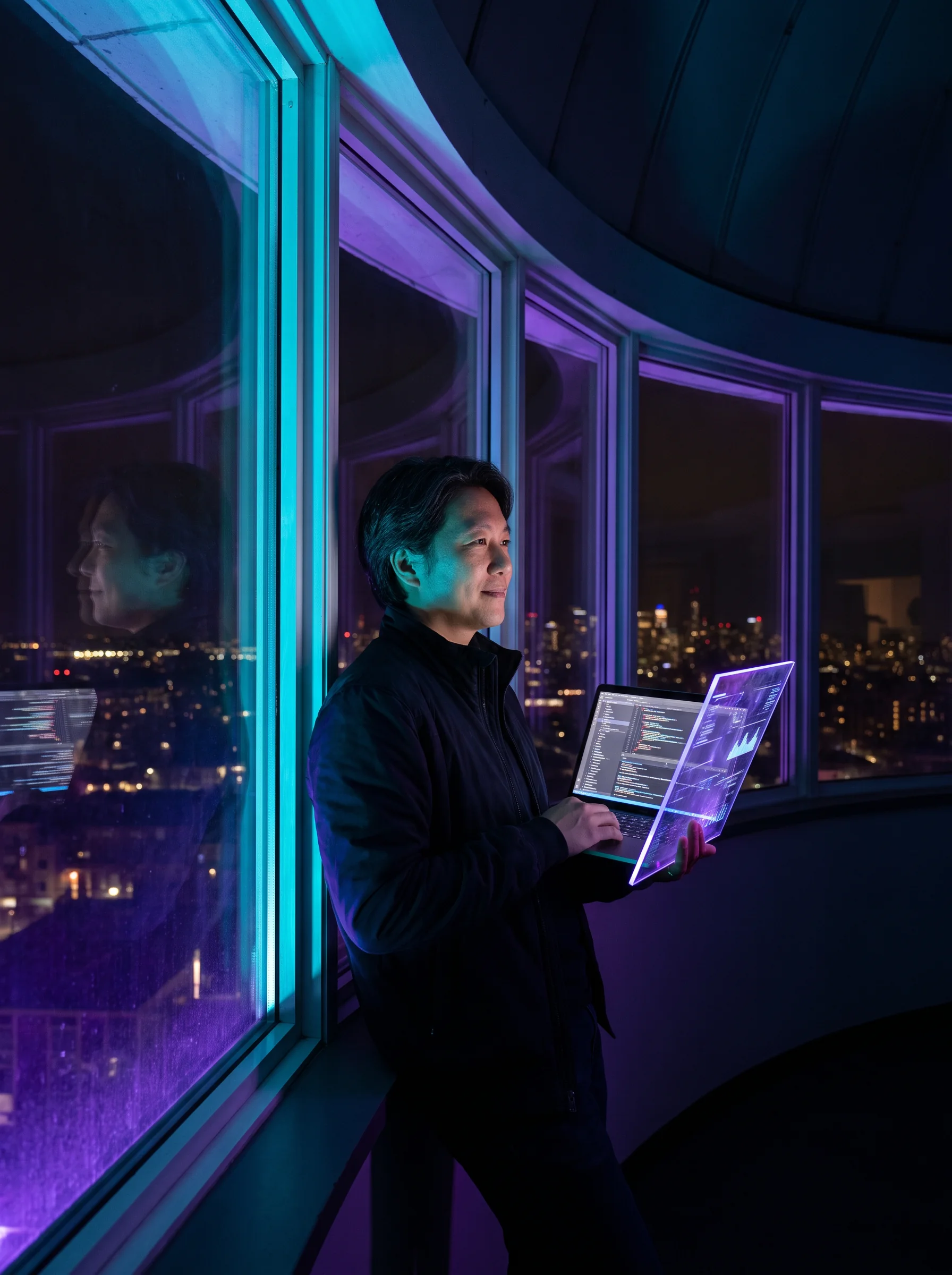
Person viewing a digital tablet in a night observatorySPECIMEN / 07

Hierarchy is a navigation tool.

Start with what should be found quickly, then inspect the visual decisions that support or hide it.

Signal / noise

Every visual decision has a cost in attention.

Usable is observable.

When the next action is legible, a person can recover without needing a hidden manual.
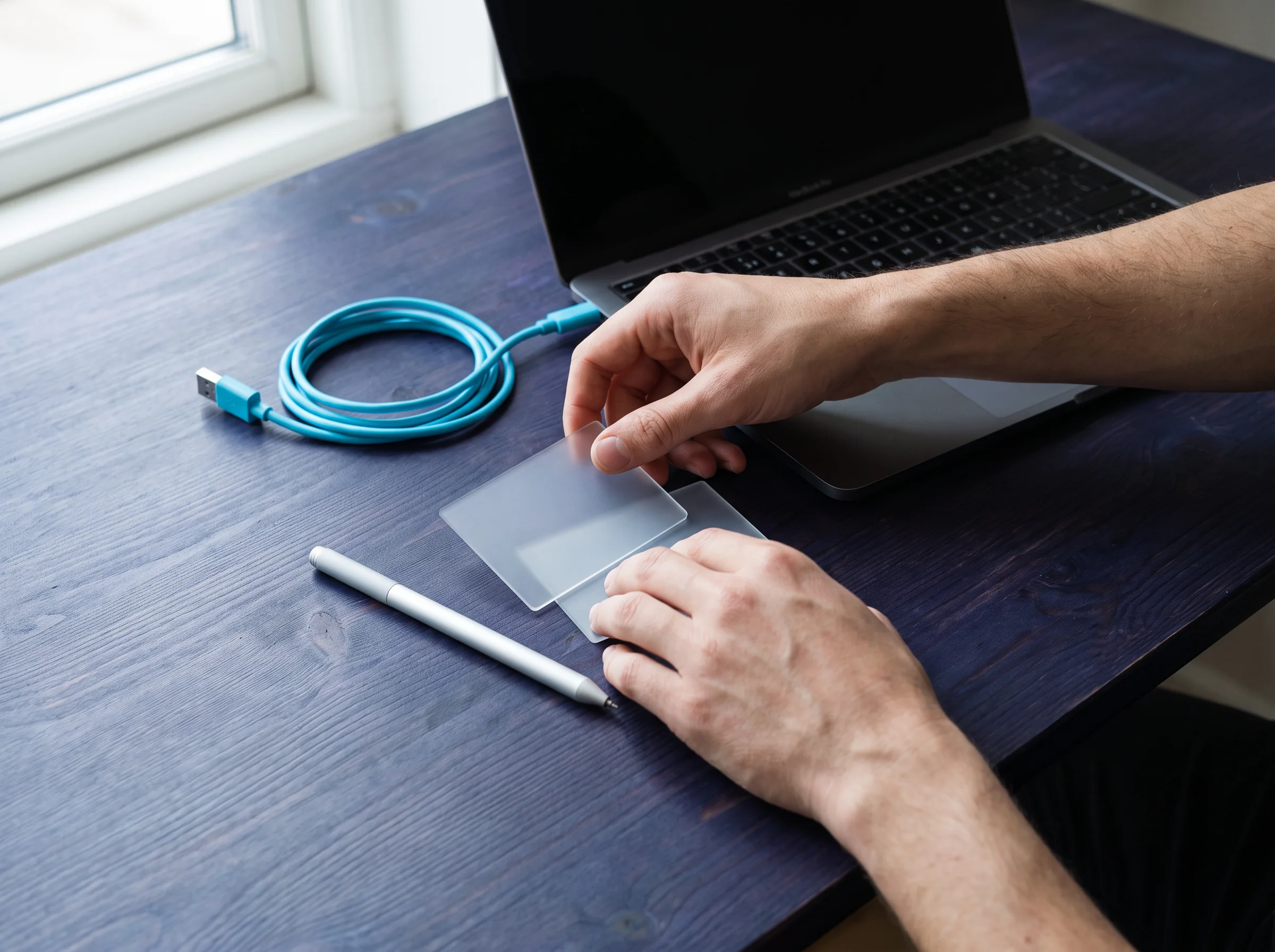
Hands working with tablet and cable at a desk
06 / night shift critique circle

Discuss the work, not the person.

Our critique circle is a structured exchange. It is designed to make technical feedback concrete and useful, even when a project is only beginning.

01

Describe what you can see before you interpret why it exists.

02

Name one question that would make the next iteration easier to test.

03

Leave the maker with a note they can act on without decoding your opinion.

07 / projection log

The project is a record of attention.

Instead of a polished reveal, Korevanu uses a projection log: dated observations, small prototypes, problems found and the next question.

Ask about the log format
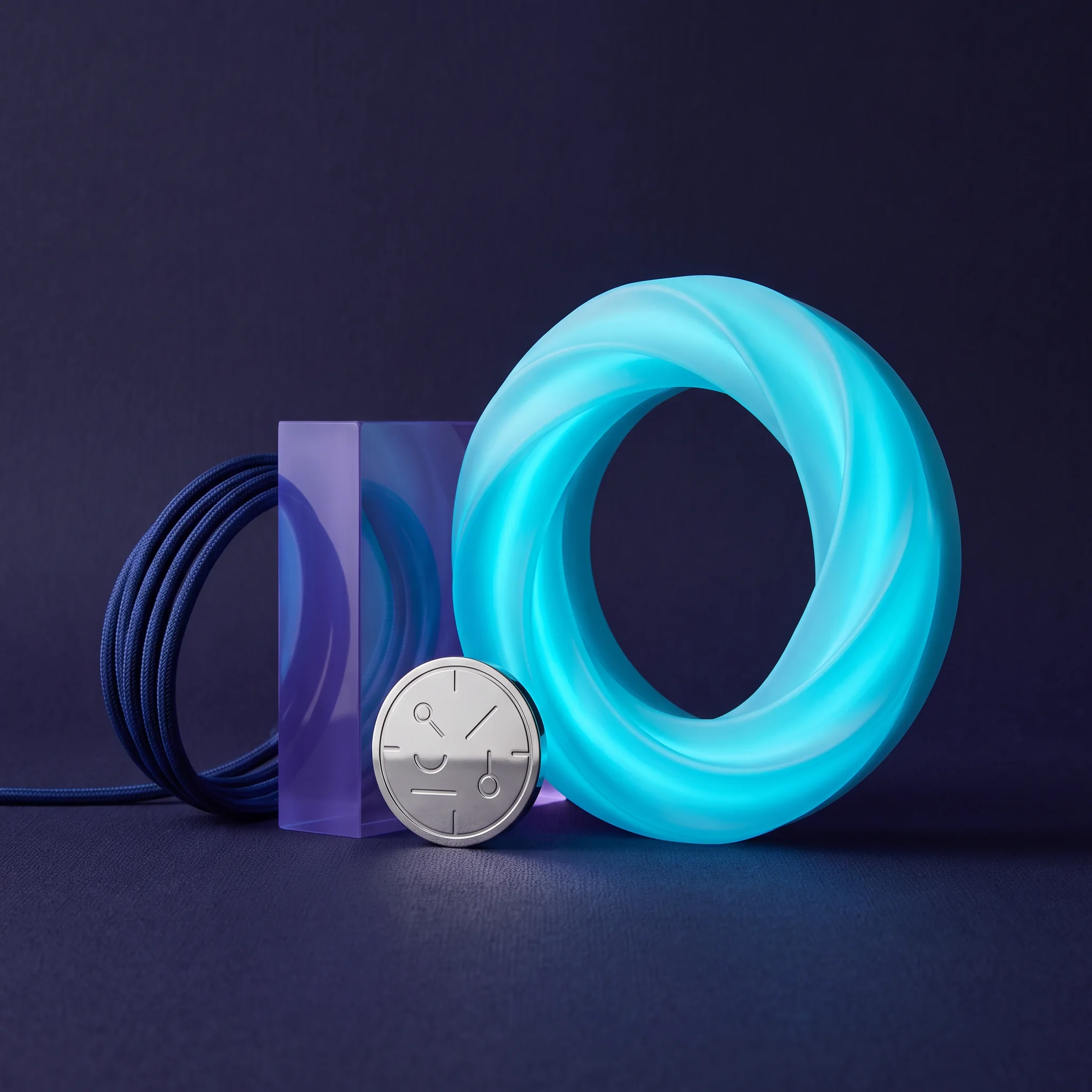
Glowing blue cable arranged with design objectsProjection record / example

One cable, three signals

A short study can be enough: identify what connects, what appears, and what happens when the connection is interrupted.
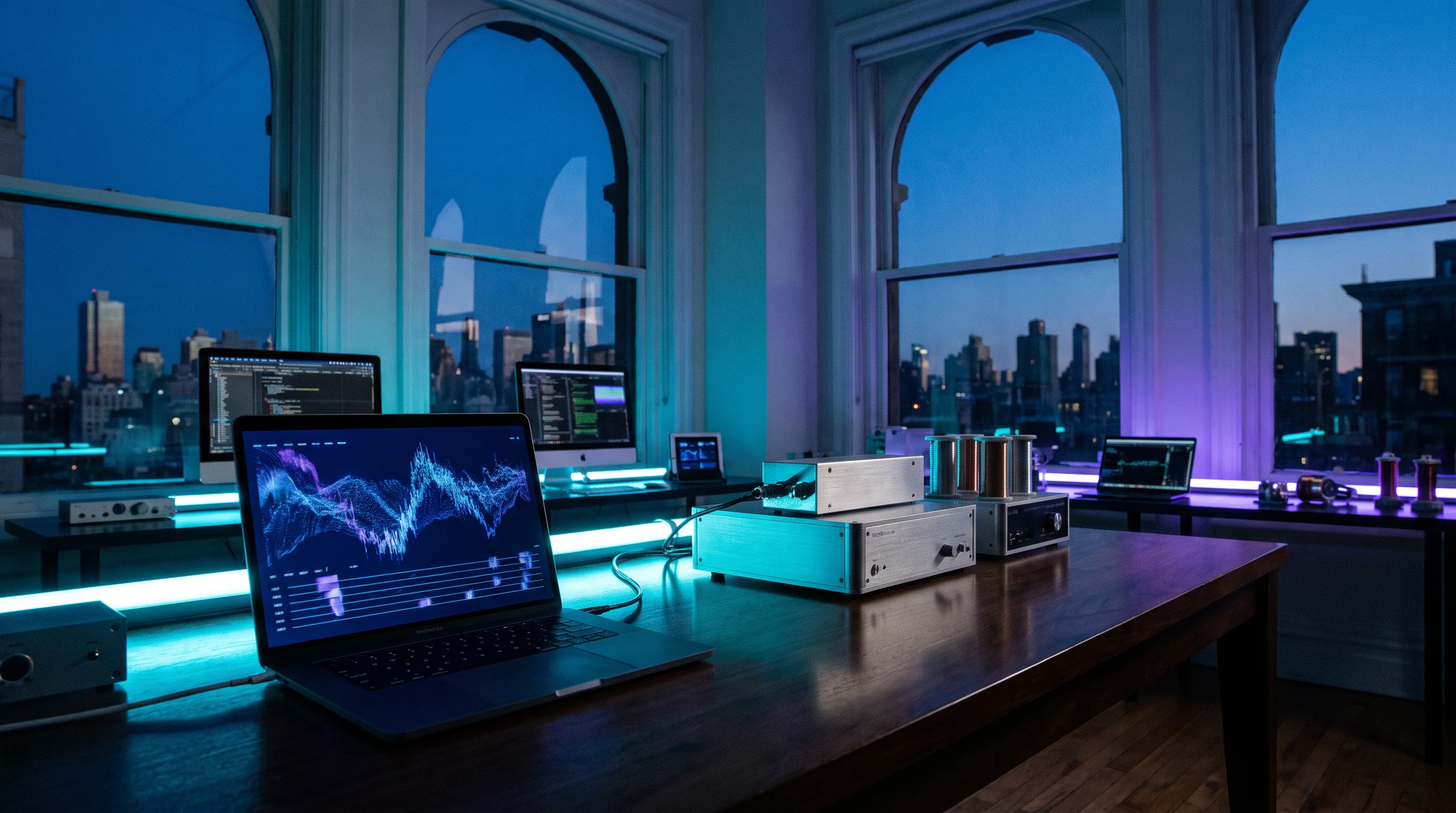
Technology tools laid out for a new day08 / dawn handover

Leave a clear trail for daylight.

At the end of a study session, make a handover note: what you tried, what changed, and what a future you should inspect next.

Dawn handover

Small notes, durable progress.

Learning carries forward when it can be picked up again. A compact handover is a practical kindness to a collaborator, a tutor and the person you will be tomorrow.

  • State the observation in plain English.
  • Attach the smallest useful artifact.
  • Write the next test before closing the laptop.
09 / substantive FAQ

Questions under a clear sky.

No. The earliest observations are deliberately tool-light: identifying hierarchy, tracing a state change, and recording what a person can reasonably infer from a screen. When code is introduced, it is treated as one way to express and test an idea, not as a gatekeeping language. Learners with prior coding experience can use the same prompts to make their assumptions more visible.

A session usually begins with a short visual prompt and a practical question. You inspect a familiar interface, make a small diagram or annotation, try one bounded change, and record what happened. The final minutes are for a handover note rather than a dramatic reveal. The rhythm is intentionally calm: careful noticing, a testable action, then a durable record of the next question.

Korevanu does not promise employment, admission, salary changes, rankings, or any other external result. The purpose is practical learning: building habits for reading interfaces, communicating technical observations, and making small, inspectable artifacts. If you need a specific credential, professional accreditation, or formal qualification, check the requirements of the organization that asks for it before deciding whether this independent course style is useful for you.

Yes, provided you can share it responsibly and without exposing private data, confidential code, or someone else’s personal information. A personal project, a public website, or a recurring workflow can make an excellent observation target. Accessibility questions are particularly welcome because they encourage specific thinking about clarity, control, recovery, and context. The contact form is the right place to outline your question before a session begins.
10 / observation request

Bring a screen worth studying.

Tell us what you want to observe. This browser-only request form gives you a confirmation on this page; it does not transmit details or create an account.

Keep descriptions free of sensitive, personal or confidential information.

Please add a name.
Please add a valid email.
Choose an observation focus.
Add a short question.
Observation request recorded in this browser. Thank you for the clear signal.